Does rental reporting include more than expense reports?+
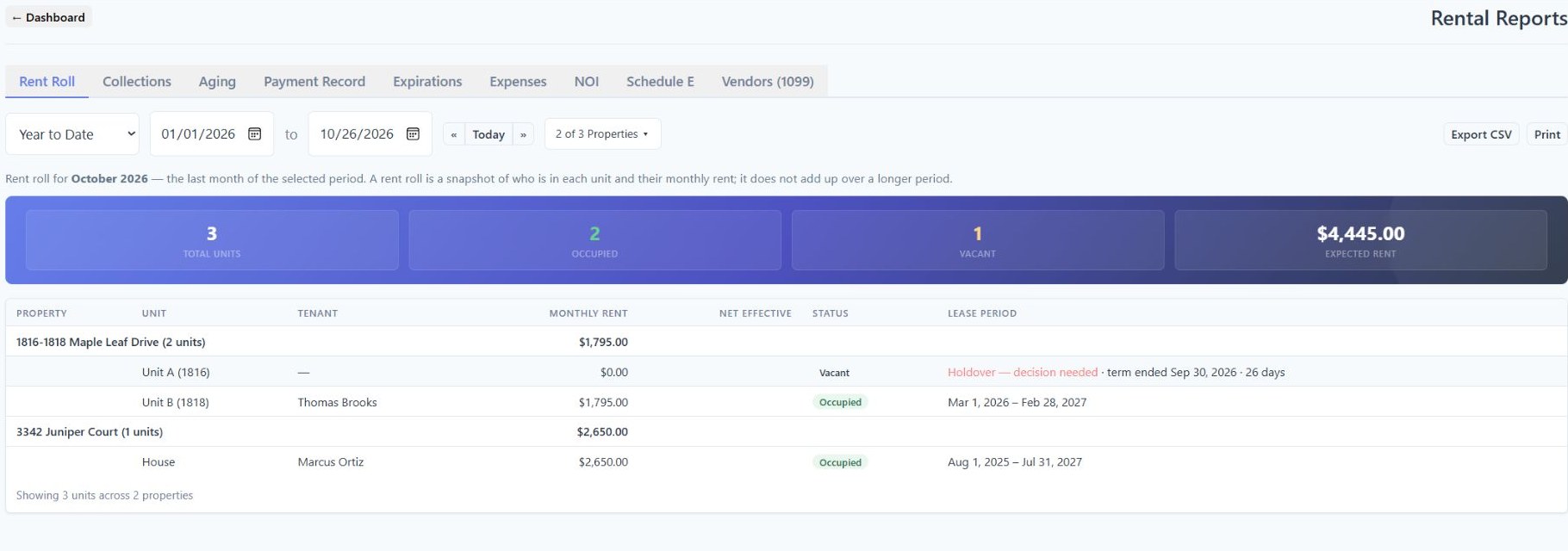
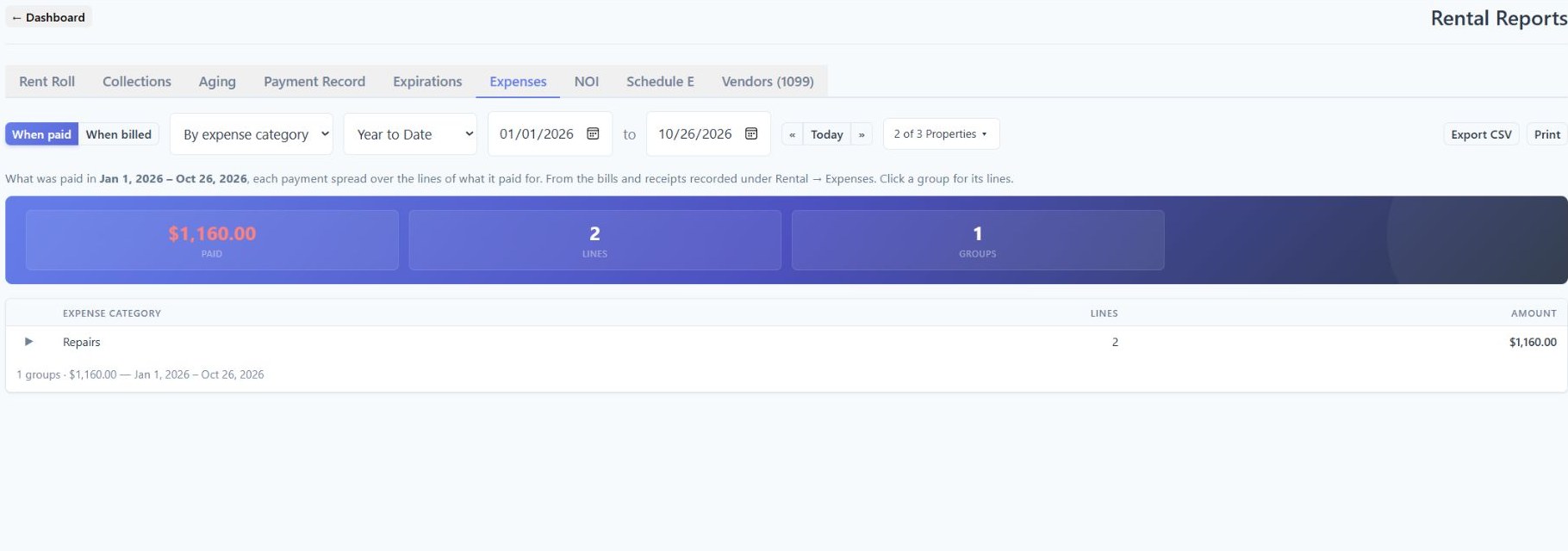
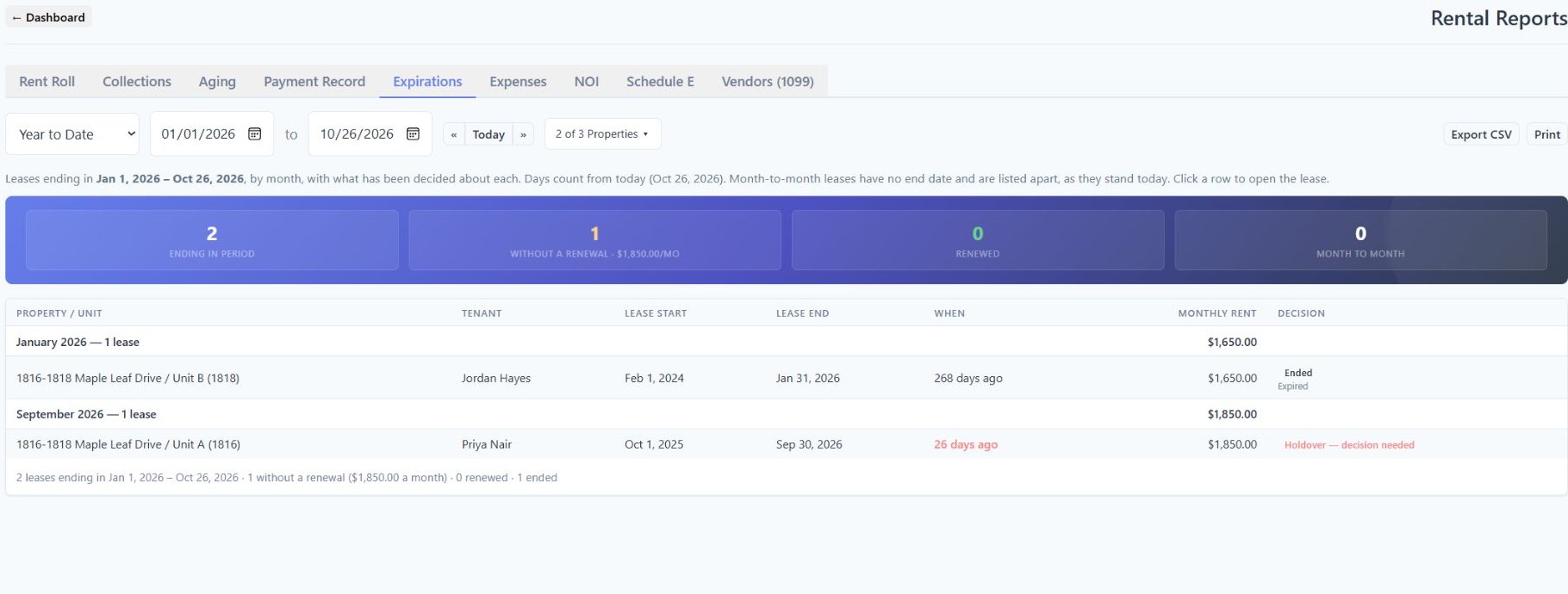
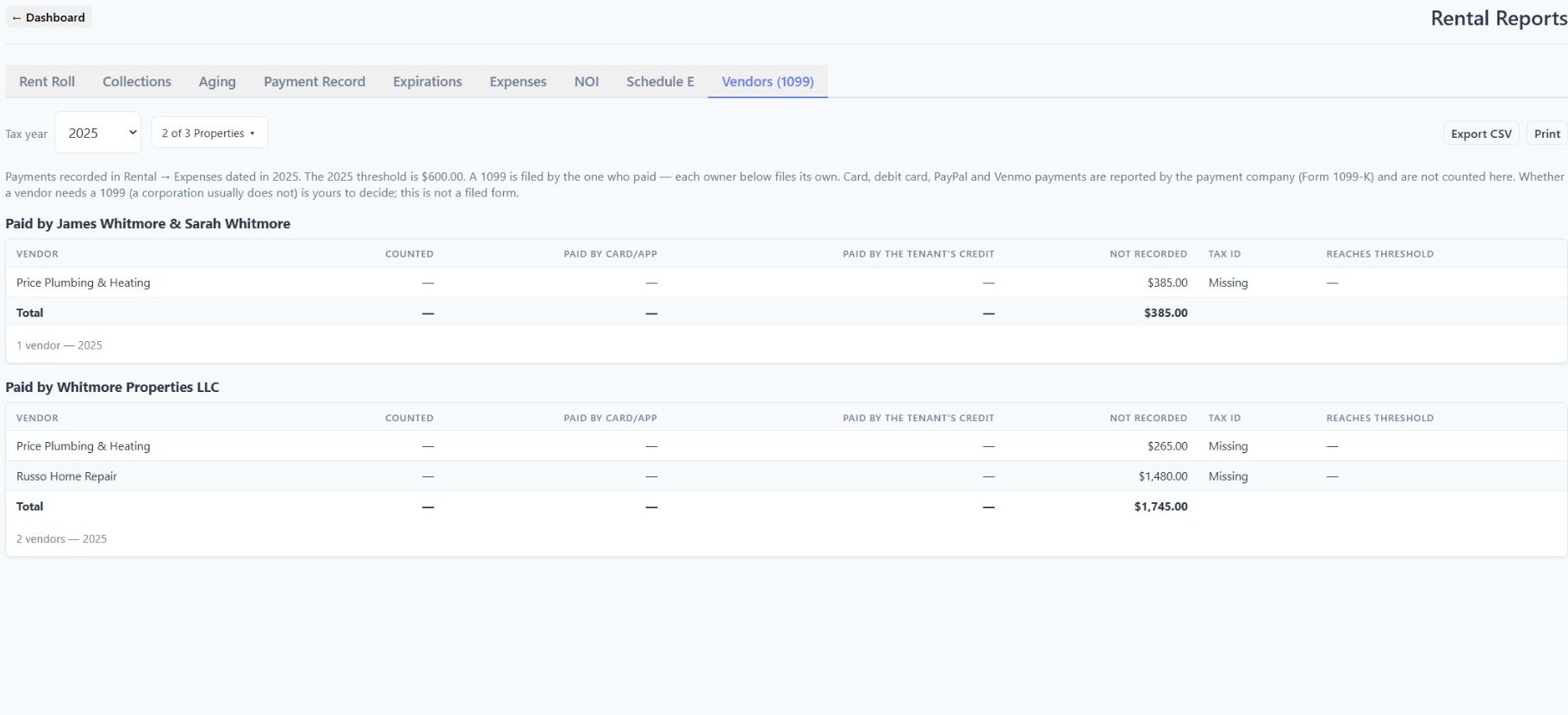
Yes. The Rental Reports workspace has nine views: Rent Roll, Collections, Aging, Payment Record, Expirations, Expenses, NOI, Schedule E and Vendors (1099). Each answers a different question, with its own dates, scope and source records.
Can I see missed rent payments separately from late payments?+
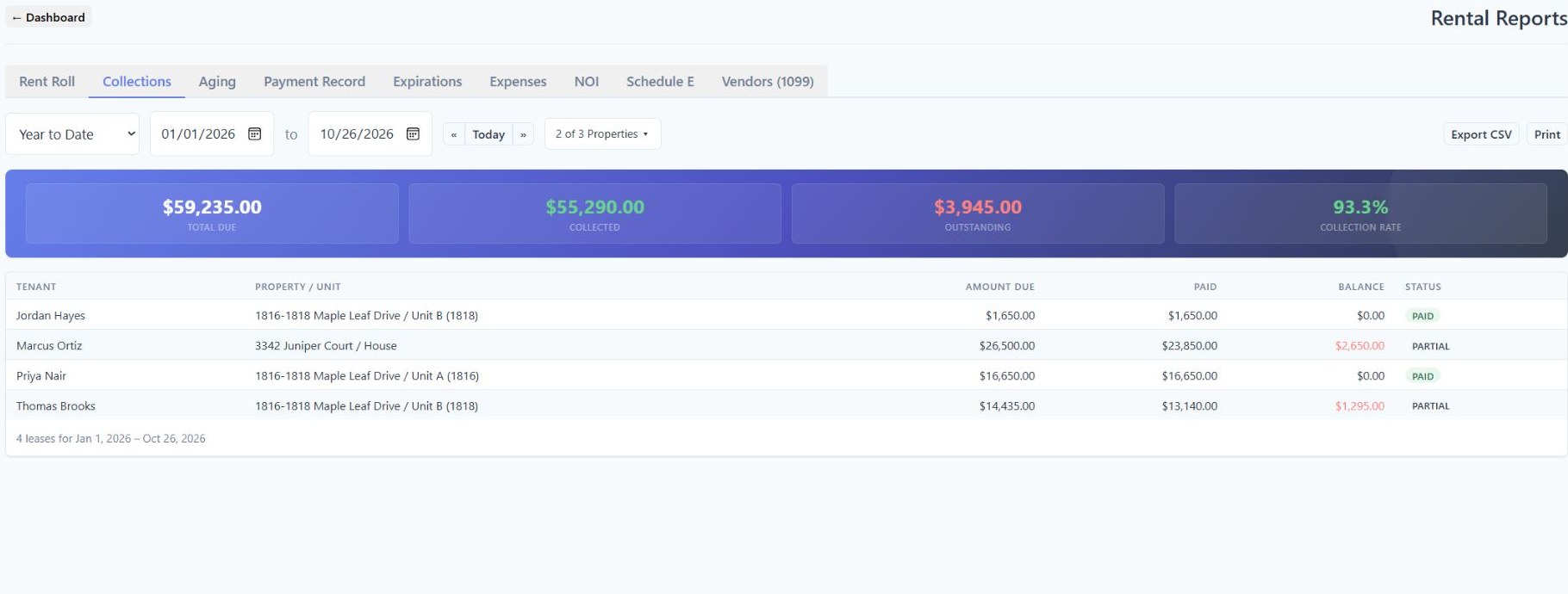
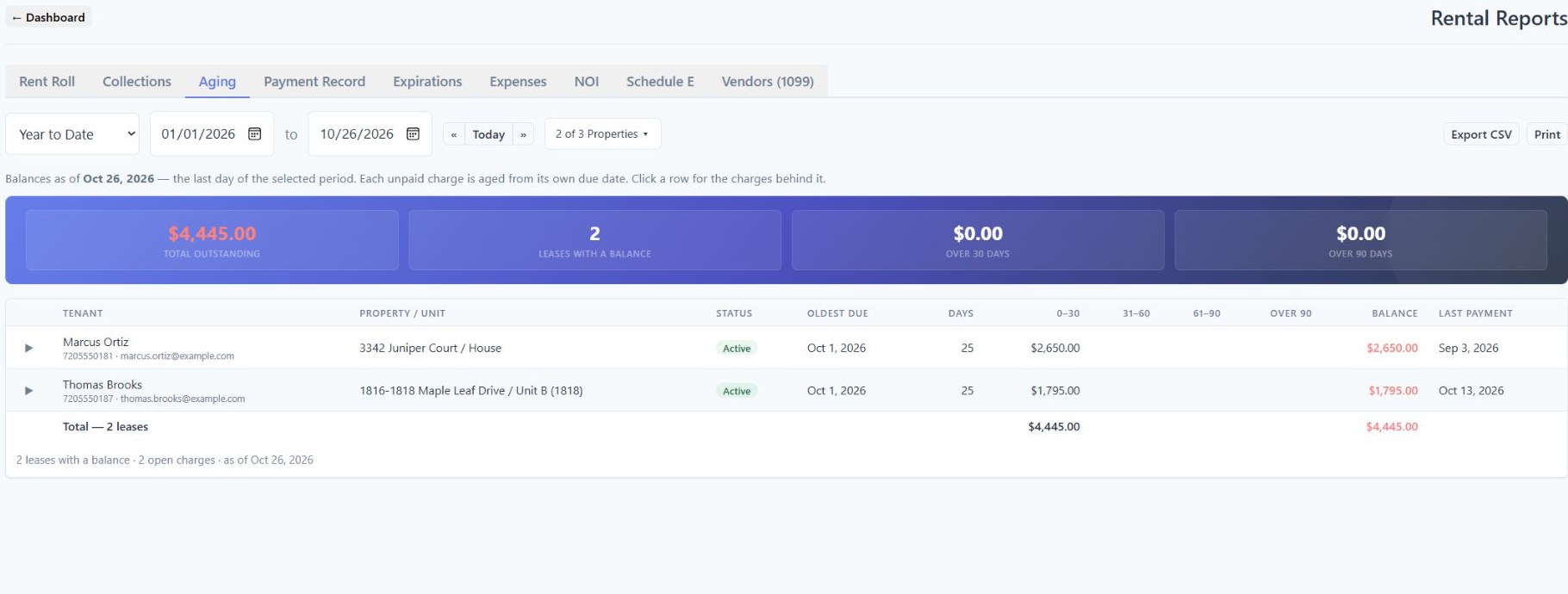
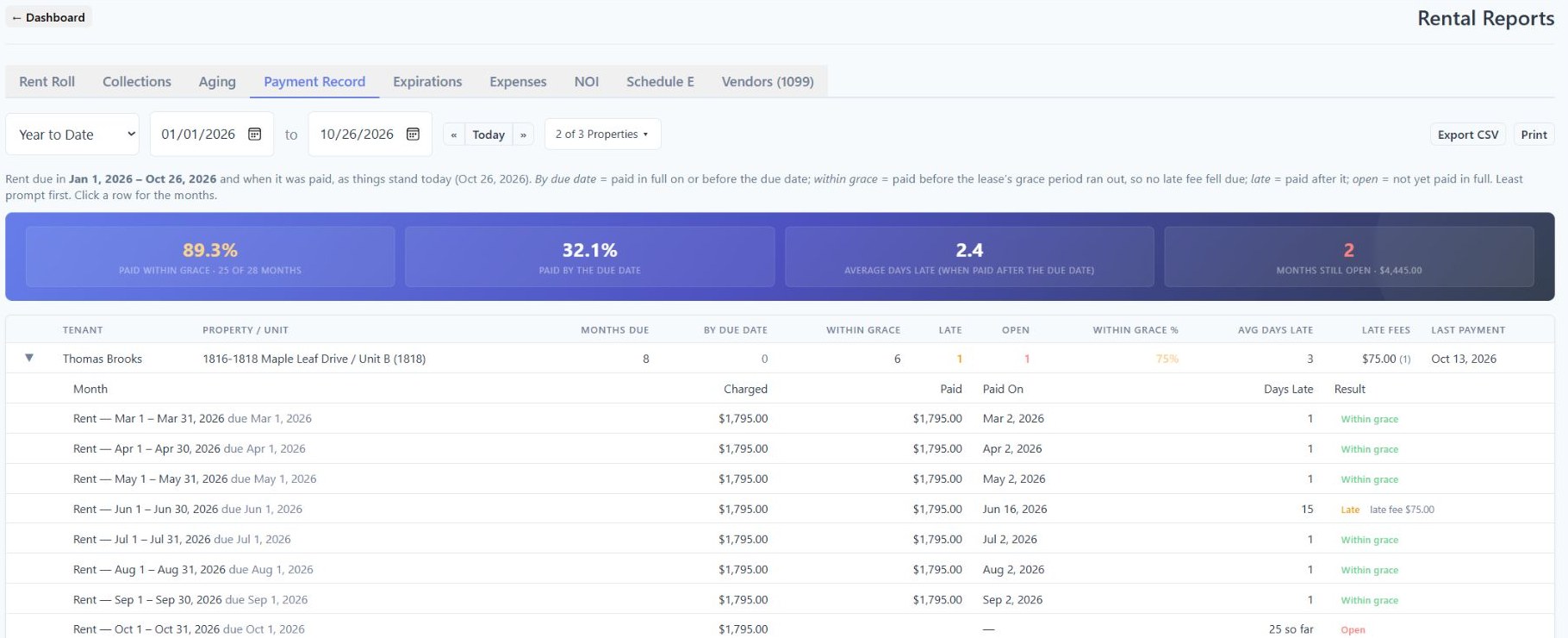
Yes. Collections compares amounts due and recorded payments for a period. Aging shows unpaid charges as of a date. Payment Record distinguishes rent paid by its due date, within the lease’s grace period, late, or not yet paid in full, with expandable monthly detail.
Are profit and loss, NOI and cash flow the same report?+
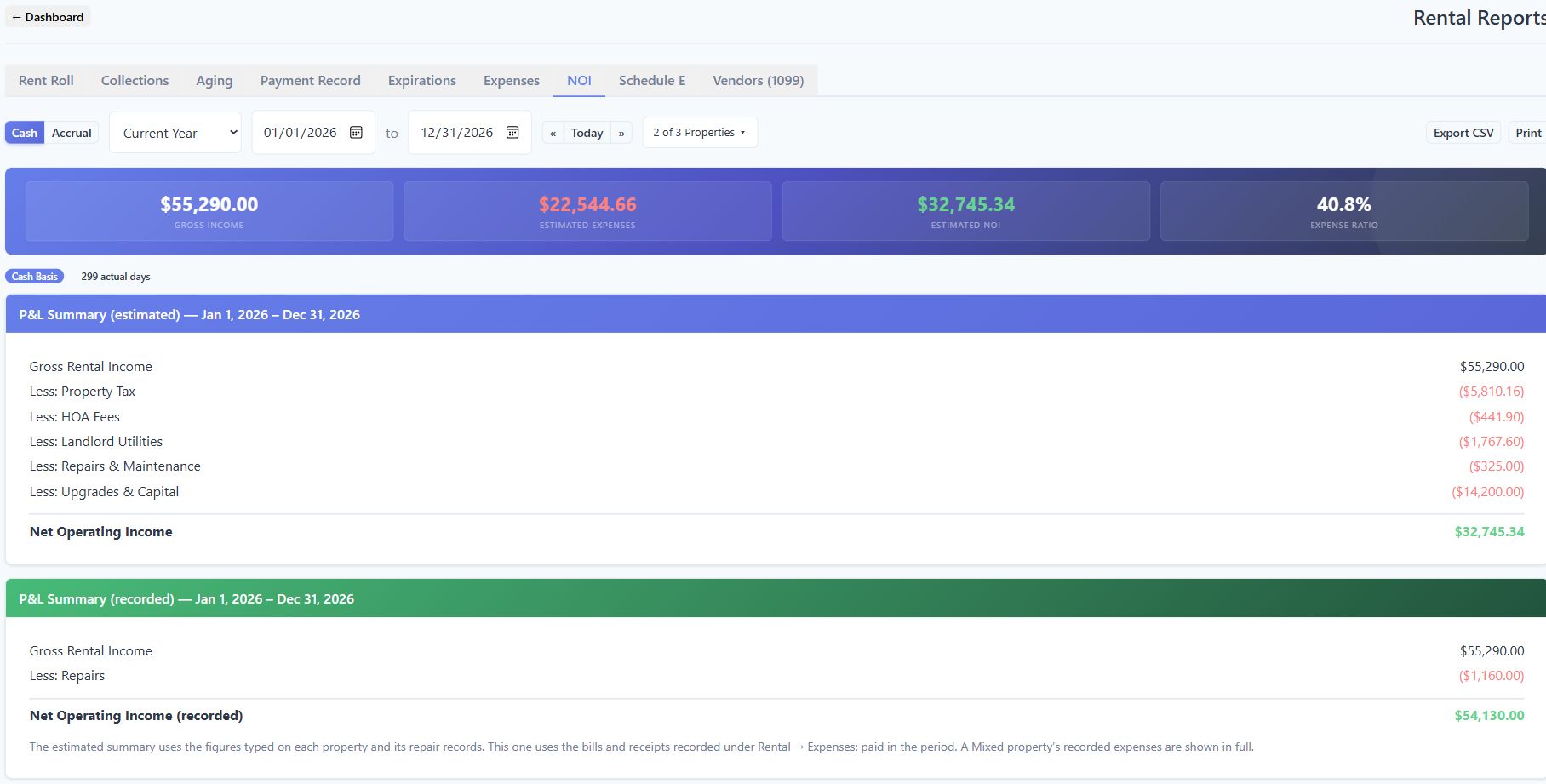
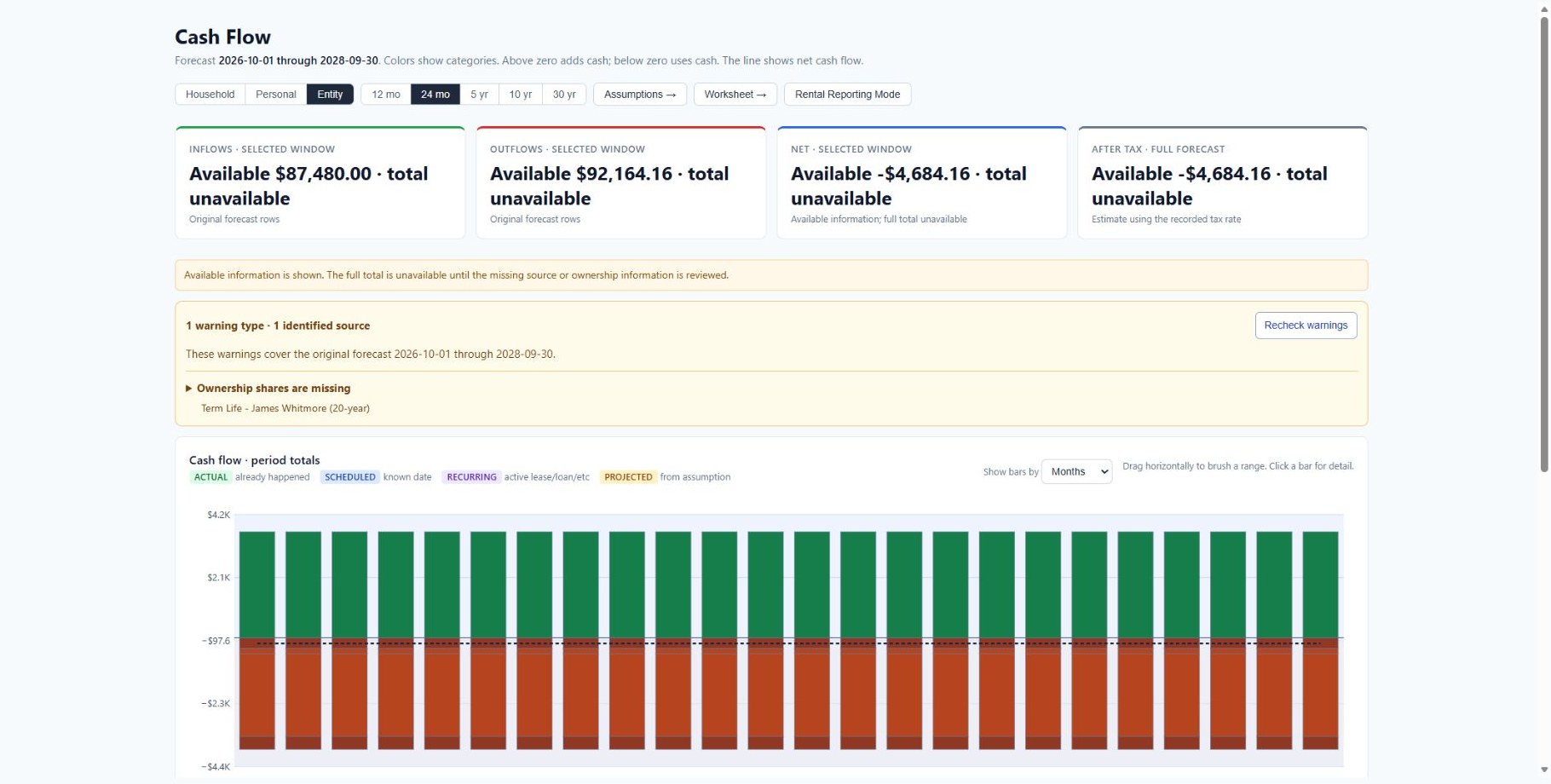
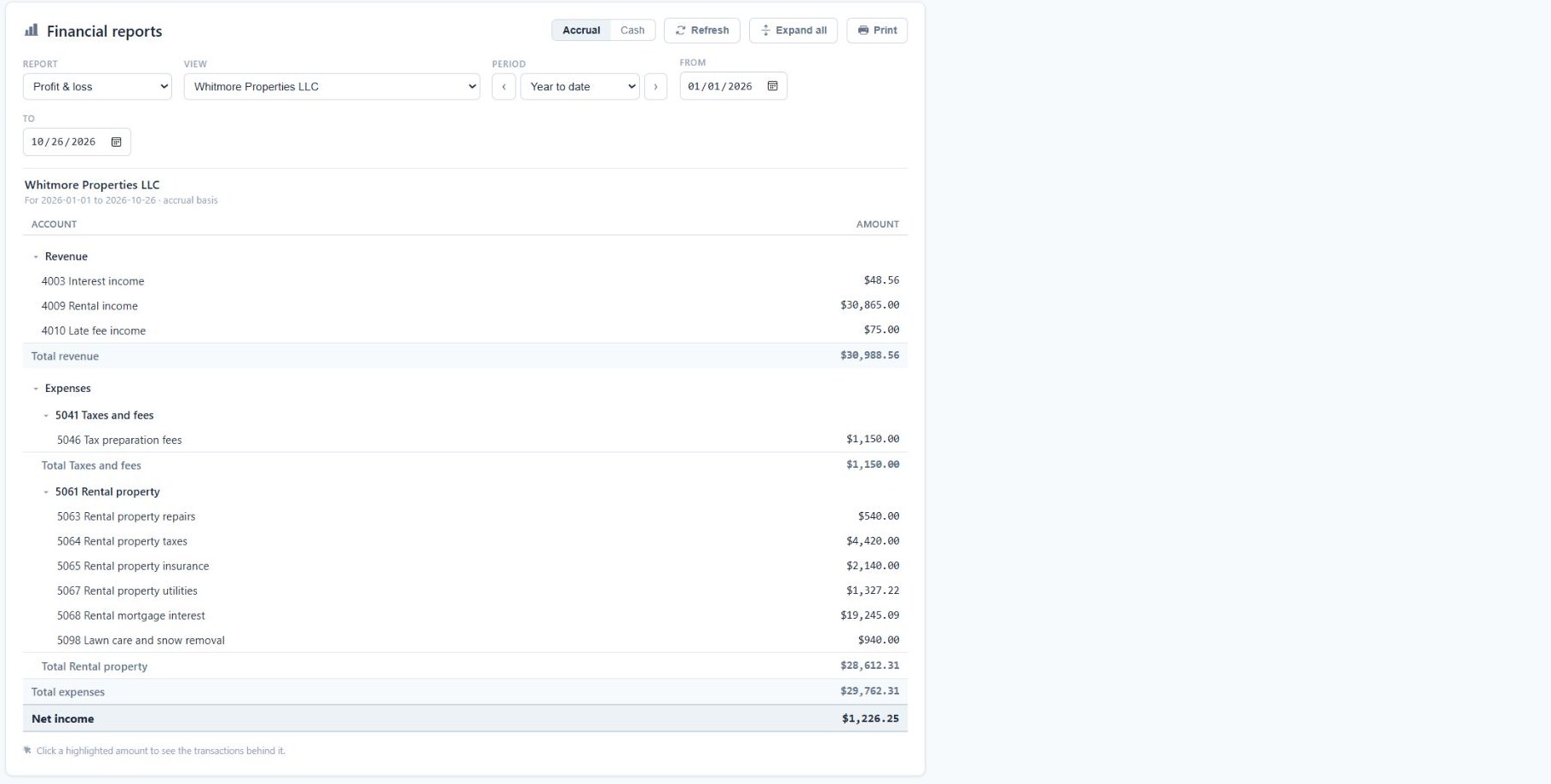
They answer different questions. Rental NOI includes recorded and estimated operating summaries with a Cash or Accrual choice. The wider Cash Flow workspace is a planning projection using selected sources and assumptions, including rental income, building costs and loans. Optional Bookkeeping separately provides Profit & Loss, Balance Sheet, Trial Balance and Statement of Cash Flows from the books. Access, setup, scope and reporting basis apply.
Can I filter, export or print rental reports?+
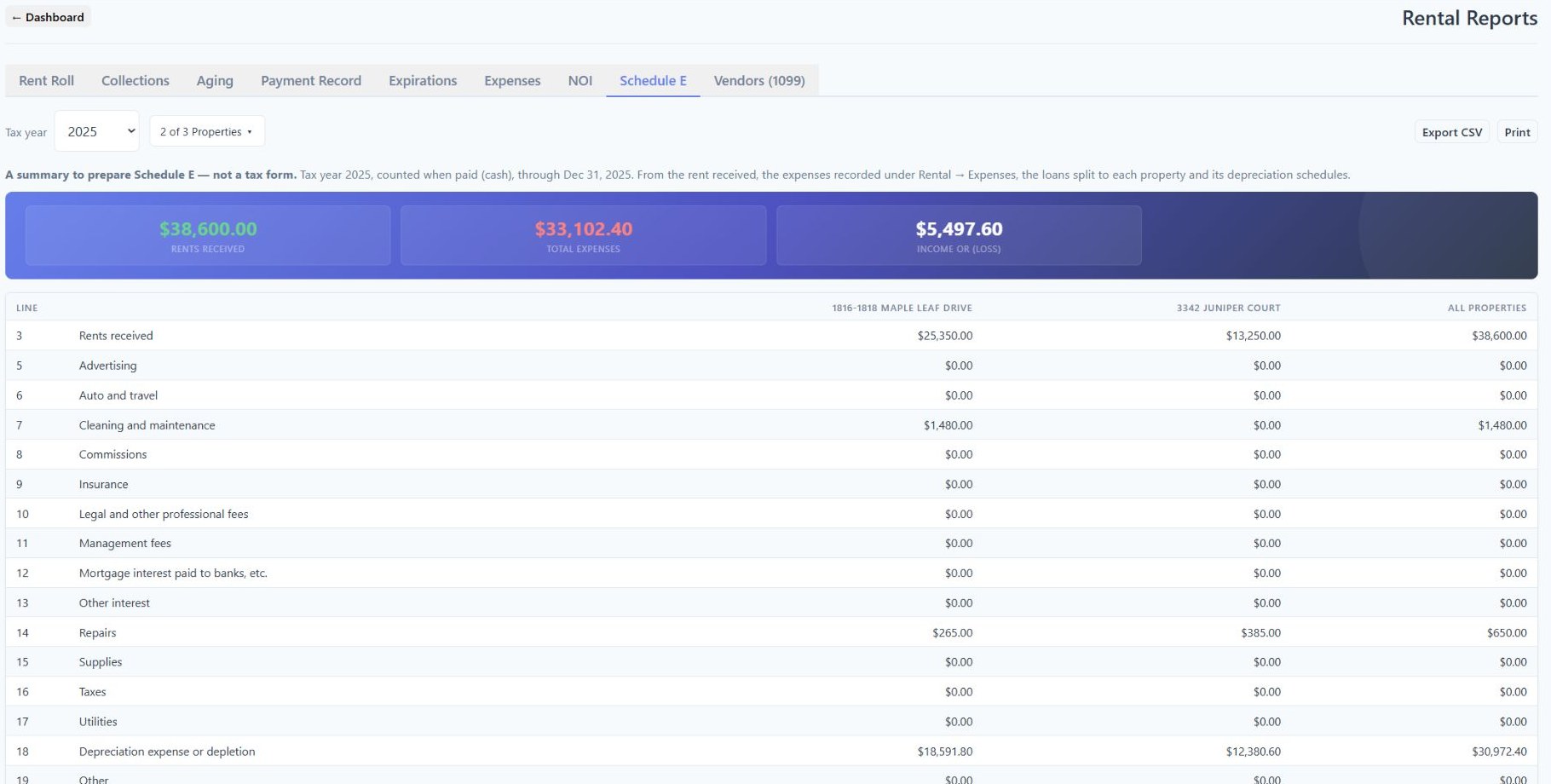
Yes. Rental Reports includes property selection, CSV export and a clean Print view. Period reports offer date presets and a custom range. Rent Roll uses the last month in the range, Aging uses an as-of date, and Schedule E and Vendors use a tax year. Choose the relevant scope before comparing or sharing results.
Does the Schedule E report file my taxes?+
No. It organizes information for review; it is not a tax form or tax filing service. Loan interest and depreciation need their own source setup and access. Review incomplete source information and the appropriate tax treatment with your advisor.
Can I use the program today?+
Family Admin Hub is in private development and public sign-up is not open. The screenshots show the actual current interface with fictional demonstration records. Package access, permissions and source setup determine which reports and data are available. Contact the team to discuss your workflow and availability.